
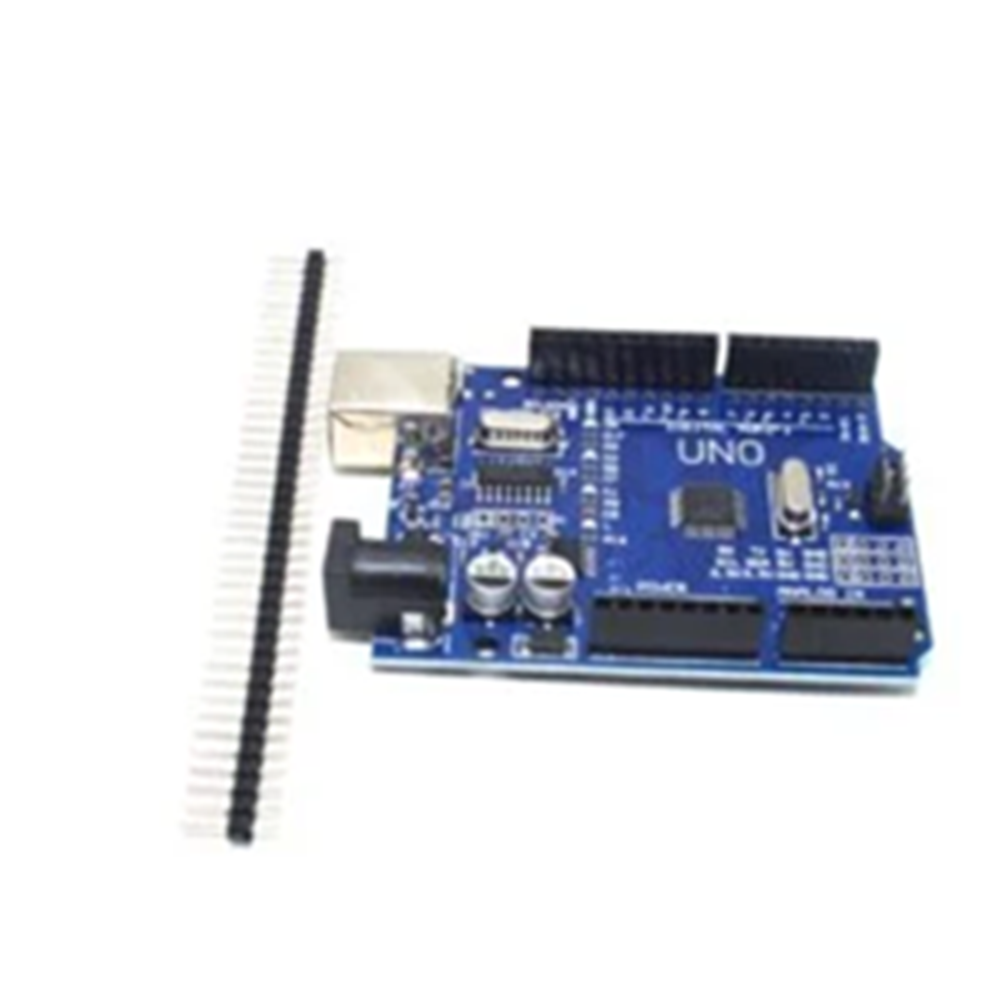
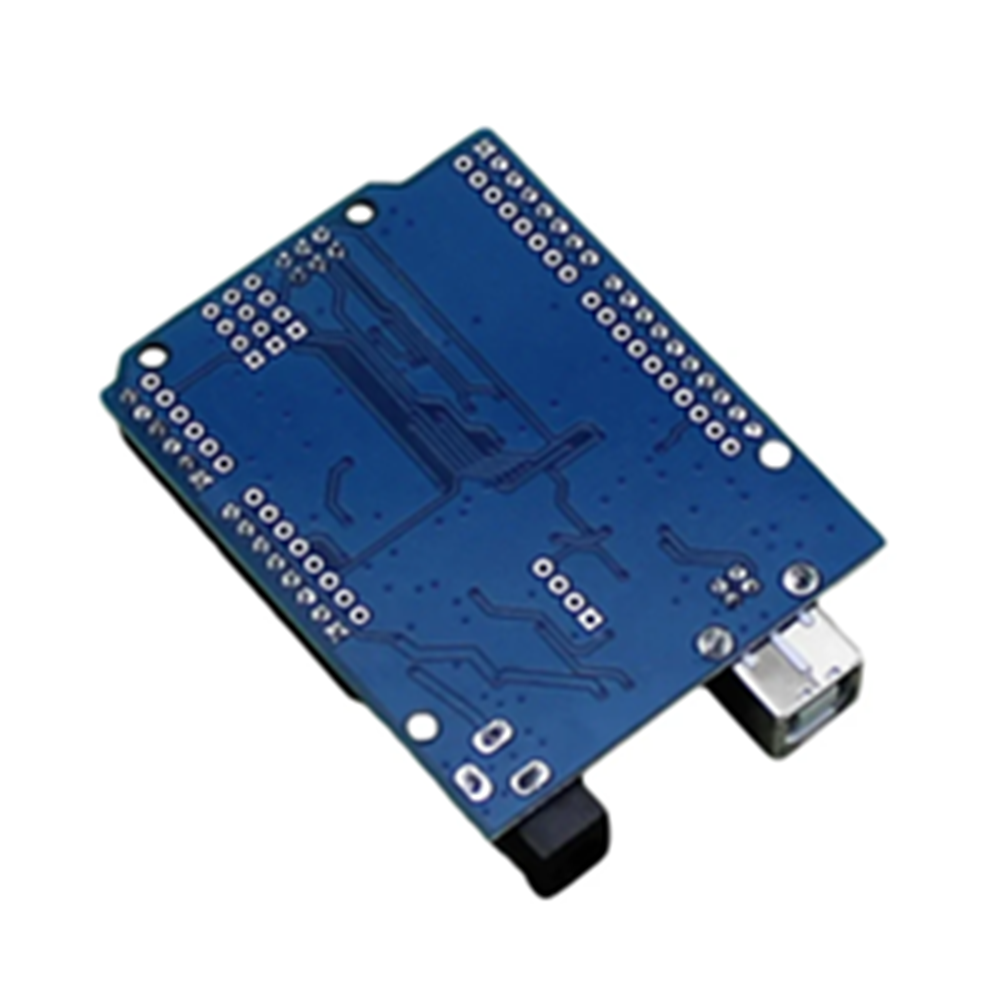
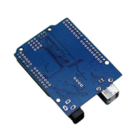
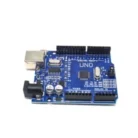
ARDUINO UNO Development Board Smd for School/College Projects DIY Free Ebook
Specifications:
- Microcontroller ATmega328 DIP – Interface CH340G
- Operating Voltage: 5V
- Input Voltage (recommended): 7-12V
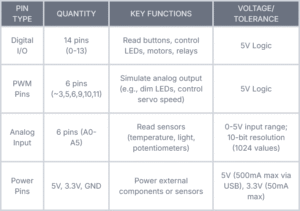
- Digital I / O Pins 14
- PWM output PINS: 6
- Analog Input Pins: 6
- Estimated Delivery : Up to 4 business days
- Free Shipping : On all orders over Rs. 999
Specifications:
- Operating Voltage: 5V
- Microcontroller: ATmega328P
- Recommended Input Voltage: 7-12V
- Input Voltage Range: 6-20V
- Digital I/O Pins: 14 (6 PWM-capable)
- Analog Input Pins: 6
- Maximum DC Current per I/O Pin: 40 mA
- DC Current for 3.3V Pin: 50 mA
- Flash Memory: 32 KB (0.5 KB used by bootloader)
- SRAM: 2 KB
- EEPROM: 1 KB
- Clock Speed: 16 MHz
Unleash the Magic of Electronics Your Ultimate Arduino Starter Guide
Hey makers, Whether you’re building robots, smart home widgets, or interactive art, Arduino is your golden ticket into the world of DIY electronics. At BIG Electronics & Automation, we live and breathe this stuff — and moment, we’re pulling back the curtain on everything you need to start creating. Plus, snare our FREE Arduino Uno Beginner Guide( details at the end!). Let’s dive in!
🔍 What’s Arduino?
Arduino is an open– source electronics platform erected for makers of all skill situations. It combines simple tackle( like the Arduino Uno board) with intuitive software to help you turn ideas into reality. suppose of it as a “ brain ” for your systems it reads detectors, controls lights, motors, displays and indeed addresses to the internet! Born in Italy in 2005, Arduino normalized electronics by making it affordable, flexible, and community– driven. No engineering degree needed!
⚙️ The Heart of Arduino Uno ATmega328P Microcontroller
Ever wondered what powers the iconic blue Arduino Uno board? the ATmega328P — a potent 8- bit microcontroller from Microchip( formerly Atmel).
The Arduino Uno R3 is an open-source microcontroller board based on the ATmega328 chip, designed to simplify electronics projects for beginners and professionals alike. It features 14 digital input/output pins (6 of which support PWM), 6 analog input pins, a 16 MHz ceramic resonator, a USB connection port, a DC power jack, an ICSP header, and a reset button. This comprehensive setup ensures users can start working on their projects immediately by connecting the board to a computer via USB or powering it with a DC adapter or battery.
The Uno R3 replaces the FTDI USB-to-serial driver chip used in earlier models with an Atmega16U2 (or Atmega8U2 in versions up to R2) for USB-to-serial conversion. It supports dual power sources, automatically selecting between USB or an external power supply.
External power can be supplied using an AC-to-DC adapter or a battery. The adapter connects through a 2.1mm center-positive plug to the power jack, while battery leads attach to the GND and VIN pins. The board operates on an external supply voltage of 6 to 20 volts, though stability and safety considerations dictate a recommended range of 7 to 12 volts. If supplied with less than 7V, the 5V output may become unstable, and voltages exceeding 12V risk overheating the voltage regulator, potentially damaging the board.
| Weight | 0.055 g |
|---|


 3V-12V Big Buzzer with Wire
  6V-12V Active Electromagnetic Buzzer
  3S 10A 12V 18650 Lithium Battery Charger Board Protection Module
  TP4056/TC4056 1A Li-Ion Lithium Battery Charging Module Type C
  9V HW Battery for Arduino/ DIY/ Robotics
  0.36inch 0-100V Three Wire LED Display Digital DC Voltmeter-RED
  2-Channel Logic Level Converter – 3.3V to 5V TTL Bi-Directional
  18650 Rechageable Battery (3.7V, 2200mAh)
 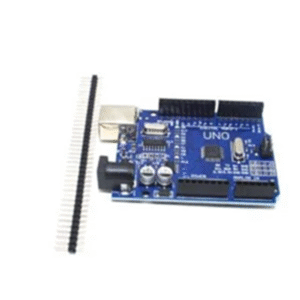 ARDUINO UNO Development Board Smd for School/College Projects DIY Free Ebook
 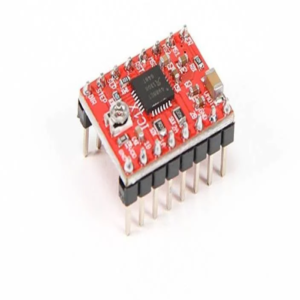 A4988 Stepper Motor Driver with Heatsink – 1.5A
  5MP Raspberry Pi 3/4 Model B Camera Module Rev 1.3 with Cable
  65mm Robot Wheel for BO Motors (Yellow)
  400 Points Solderless Breadboard
  4-Pin NTC Thermistor Temperature Sensor Module
 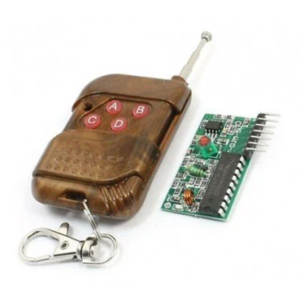 4-Channel RF Remote Control – Transmitter Receiver Pair
  36mm 0.5W 8Ω Mini Speaker Cone
  5V 2 Channel Relay Module
 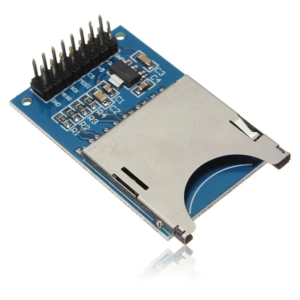 SD Card Reading Writing Module for Arduino
  Arduino Joystick Module – Dual Axis with Push Button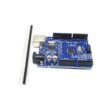


Reviews
There are no reviews yet.